

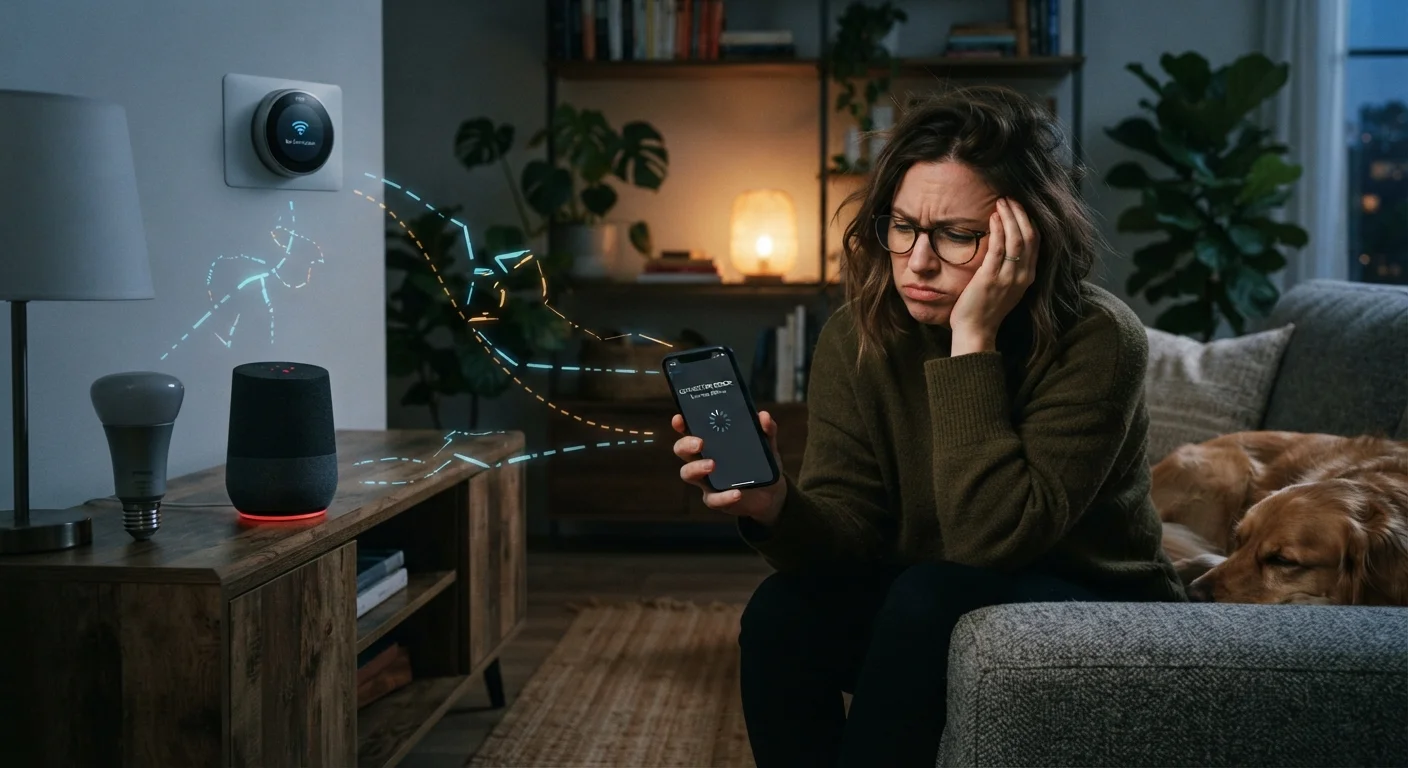
Why Smart Homes Lose Their Minds
You set up a smart lighting routine, it worked flawlessly for a week, and then one morning the lights just didn't turn on. Sound familiar? Connectivity failures are among the most common frustrations for smart home owners — and they're almost never random. Each breakdown has a cause, and most causes are avoidable once you understand how these devices actually communicate.
If you're newer to home automation, The Connected Home from the Ground Up covers the foundational concepts — hubs, protocols, and automations — that make sense of everything below.
Placing your router or smart hub in a location with heavy physical obstructions or RF interference.
Why it happens: Consumers often set up routers wherever a cable runs, without considering walls, appliances, or neighboring networks that degrade signal quality.
Mixing devices that use incompatible wireless protocols without a hub that bridges them.
Why it happens: Shoppers focus on features and price, not the underlying protocol (Zigbee, Z-Wave, Wi-Fi, Thread), and assume all smart devices work together by default.
Neglecting firmware updates on smart devices and hubs.
Why it happens: Unlike phones, smart home devices rarely prompt you loudly to update, so updates are easy to forget indefinitely.
Setting up automations and never verifying they actually execute.
Why it happens: Once a routine appears in an app, most people assume it runs as configured — but account changes, connectivity gaps, or app bugs can break it silently.
Changing Wi-Fi credentials or replacing a router without reconnecting every smart device.
Why it happens: After a router upgrade, computers and phones reconnect automatically; smart devices cannot do this and are left stranded on a network that no longer exists.
The Network Problems Nobody Warns You About
Most smart devices rely on your home Wi-Fi, which is more fragile than it appears when you're streaming video without issue. The problem is that streaming and smart home traffic behave differently: a dropped video packet is barely noticed, but a dropped command packet means your lock didn't engage or your thermostat ignored a schedule.
Network Congestion Affects Device Commands, Not Just Streaming
A busy home network — especially one with many simultaneous devices — can delay or drop the small data packets that smart devices use for commands. Unlike buffered video, a dropped command doesn't retry automatically in most systems. If you notice devices becoming unresponsive during peak household usage, network congestion is a likely culprit worth investigating before assuming the device itself is faulty.
A related issue is the 2.4 GHz versus 5 GHz band split. Many smart home devices — especially older ones — operate exclusively on 2.4 GHz, while modern routers often push devices toward 5 GHz for speed. If your phone configures a device while connected to 5 GHz but the device can only use 2.4 GHz, setup will fail or the device will appear offline. Keeping both bands active with distinct names gives you more control over which devices connect to which band.
Protocol fragmentation adds another layer. Devices using Zigbee, Z-Wave, Thread, or Wi-Fi can't natively talk to each other without a hub or bridge that speaks all those languages. Building a Smart Home Ecosystem That Won't Lock You In explains how to plan around this before you buy.
Maintenance Gaps That Silently Break Automations
Smart devices ship with firmware — internal software — that manufacturers update to fix bugs, patch security vulnerabilities, and improve compatibility. Skipping those updates is one of the most common reasons devices drift out of sync over time. An unpatched bulb may stop responding to a hub that has itself updated its communication standards.
~25%
Smart home owners reporting routine failures
Industry surveys consistently find roughly one in four smart home users has experienced automations that stopped working without any error notification.
2.4 GHz
Frequency band most smart devices require
The majority of Wi-Fi-based smart home devices operate on the 2.4 GHz band, making band management a common but overlooked setup step.
Routines are another silent failure point. Most smart home apps don't alert you when an automation stops working — the schedule simply runs without executing. This happens when a device is removed from an account, when a hub loses cloud access, or when a trigger (like a geofence) quietly stops resolving. Periodically testing your key routines — not just assuming they're running — is a habit that pays off.
Finally, account and permission changes break more setups than people realize. Resetting a device without removing it from your app first, changing your Wi-Fi password without reconnecting every device, or migrating to a new router can all leave devices orphaned. For a clearer picture of security-related risks that come alongside these convenience issues, see Smart Home Security: What Devices Can and Cannot Protect.
The content on this site is for informational purposes only and is not a substitute for professional advice. Always consult a qualified professional for guidance specific to your situation.